
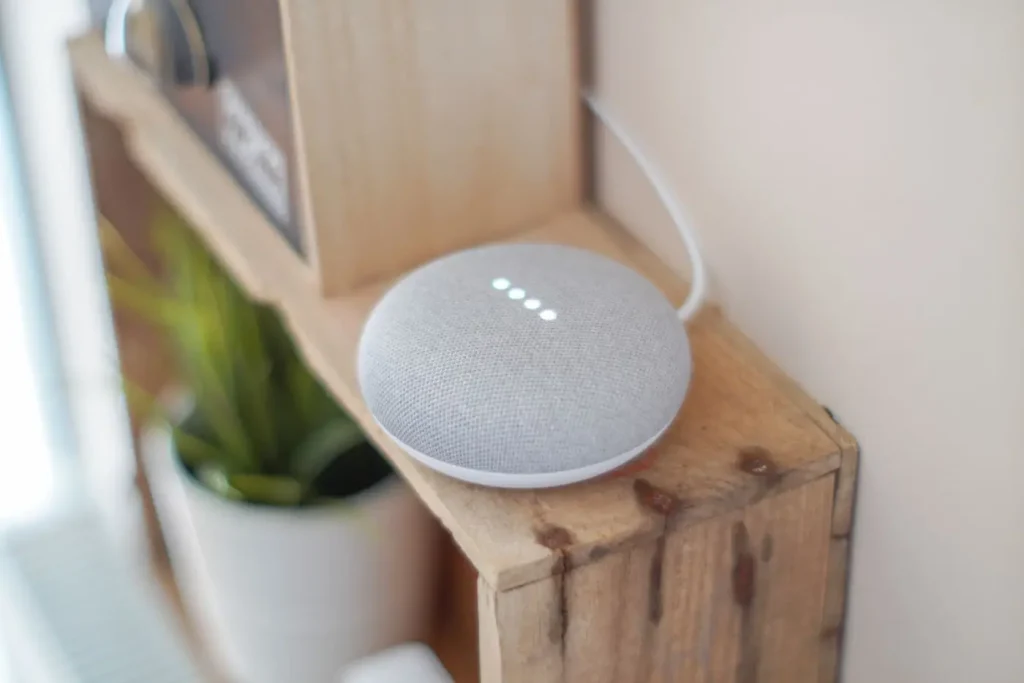
The best smart home hub for most people is the one that matches the phones in the house and keeps working when the internet does not. In 2026 that shortlist is short: Samsung SmartThings for the widest device support, Apple Home for iPhone households that want privacy, Google Home for the best voice and Nest cameras, and Home Assistant for enthusiasts who want total local control. Hubitat sits alongside them for the local-first crowd. This guide compares the best smart home hubs on the things that actually matter in a Singapore home – local vs cloud, device support, ease of setup and price – so you pick one you will not want to replace in a year.
What a smart home hub actually does
A smart home hub – sometimes called a smart home controller or home automation hub – is the brain that ties your devices together. It speaks the protocols your gadgets use – WiFi, Zigbee, and increasingly Matter over Thread – and runs the automations that make lights, curtains, aircon and locks act as one system instead of a pile of separate apps. Some hubs are a dedicated box; others are built into a smart speaker or display. A few, like Home Assistant, run on a small computer you own.
The single most important thing a hub decides is whether your home is local or cloud. A local hub processes automations inside your house, so a scene still fires during a broadband outage. A cloud hub sends every command overseas and back – fine on a good day, dead when the connection drops. Keep that distinction in mind as you read the comparison; it matters more than any feature list.
The main smart home hubs compared
| Hub | Best for | Local or cloud | Setup |
|---|---|---|---|
| Samsung SmartThings | Widest device support, mixed protocols | Mostly cloud | Easy |
| Apple Home | iPhone households, privacy | Local (needs a Home Hub) | Easy |
| Google Home | Voice control and Nest cameras | Mostly cloud | Very easy |
| Amazon Alexa (Echo Hub) | Cheapest entry, voice everywhere | Mostly cloud | Very easy |
| Home Assistant | Power users wanting full control | 100% local | Advanced |
| Hubitat Elevation | Local control without the tinkering | 100% local | Moderate |
Samsung SmartThings: the widest support
SmartThings is the most widely used consumer hub, and for good reason. It supports the broadest mix of WiFi, Zigbee and Matter devices, and the app is friendly enough for a first-timer. A SmartThings hub (or a compatible Samsung TV or fridge that has one built in) adds Zigbee and Thread, which is where it beats a phone-only setup. The trade-off is that many automations still route through Samsung’s cloud, so a heavy outage can slow or stall them.
Choose SmartThings if you want the easiest path to mixing brands and protocols and you can live with some cloud dependency.
Apple Home: the private, local pick for iPhone homes
If your household runs on iPhones, Apple Home is the natural hub. It keeps more control local than Google or Alexa, is strong on privacy, and with a HomePod or Apple TV acting as a Home Hub it runs automations and Thread devices from inside the house. The device catalogue is smaller than SmartThings’, but with Matter that gap is closing fast.
Choose Apple Home for an iPhone family that values privacy and a clean, reliable app over sheer device count.
Google Home and Amazon Alexa: voice-first and easy
Google Home and Amazon Alexa are the easiest hubs to start with, because you probably already own the speaker. Google Home has the best voice recognition and pairs beautifully with Nest cameras and doorbells; Alexa has the widest speaker range and the lowest entry price, and the Echo Hub adds a wall panel. Both, though, lean heavily on the cloud – great for voice and remote access, weaker when the internet is down.
These suit renters and starter homes that want voice control and simplicity more than offline reliability.
Home Assistant and Hubitat: local control for enthusiasts
For anyone who wants a home that never phones overseas, Home Assistant is the gold standard. It is open-source, runs on a small computer you own, ties together almost every brand, and processes everything 100% locally – an internet outage has zero impact. The catch is the learning curve; it rewards people who enjoy tinkering. Hubitat Elevation offers a similar local-first promise with less fuss and a friendlier setup, at the cost of a smaller community.
These are the hubs behind the most robust home automation setups, and the approach we favour when a client wants reliability above all. You do not have to run them yourself; a good installer can set up a local hub and hand you a simple app.
Do you even need a separate hub?
Not always. A starter home of a few WiFi devices runs fine with no hub at all – the app that came with your switches or bulbs is enough. A dedicated smart home hub Singapore setup earns its place once you cross roughly 10–15 devices, add a Zigbee hub for low-power sensors, or want automations that survive an outage. Whichever hub you pick, it only works as well as the network under it, so sort out your home WiFi first.
What smart home hubs cost in Singapore
Hubs are the cheap part of a smart home. It is the devices that add up. As an indicative guide:
- Voice hubs (Echo, Nest speaker): from around S$40–S$150.
- Apple Home Hub (HomePod mini / Apple TV): roughly S$150–S$300.
- SmartThings / Aqara hub: about S$70–S$150.
- Home Assistant Green / Hubitat: around S$150–S$250 for the box, plus your time or an installer’s.
Home Assistant offers an optional cloud subscription for remote access, but the hub itself has no mandatory monthly fee, unlike some cloud platforms whose best features sit behind a subscription.
Which smart home hub should you choose?
- iPhone household, want privacy: Apple Home with a HomePod or Apple TV.
- Mixing many brands, want easy: Samsung SmartThings.
- Voice-first, renting, starter setup: Google Home or Amazon Alexa.
- Reliability and control above all: Home Assistant or Hubitat, ideally set up for you.
The right smart home hub is the one that fits how your household already lives and keeps working when the internet blinks. Get that choice right and everything you add later – lighting, switches, curtains, security – slots into one app instead of five.
Frequently asked questions
What is the best smart home hub in 2026?
There is no single winner – SmartThings is best for wide device support, Apple Home for iPhone privacy, Google Home for voice, and Home Assistant for full local control. Pick the hub that matches your phones and your tolerance for the cloud.
Do I need a smart home hub?
Not to start. A few WiFi devices run without one. Add a smart home hub once you pass 10–15 devices, want Zigbee sensors, or want automations that keep working when the internet is down.
Which smart home hub works offline?
Home Assistant and Hubitat run 100% locally, so they work during an outage. Apple Home is largely local with a Home Hub. SmartThings, Google Home and Alexa lean on the cloud and can stall when connectivity fails.
Is a Matter hub different?
Matter is a compatibility standard, not a brand of hub. Most modern hubs – Apple Home, SmartThings, Google Home – now act as a Matter controller and, with Thread built in, as a Thread border router too. So you rarely buy a separate “Matter hub”.
How much does a smart home hub cost in Singapore?
Voice hubs start around S$40–S$150, an Apple Home Hub about S$150–S$300, and a Home Assistant or Hubitat box roughly S$150–S$250. The hub is inexpensive; the devices are what drive the total cost.
Can one hub control everything?
A good hub can run lighting, switches, curtains, aircon, locks and cameras in one app, provided you choose devices that support it. The key is picking the hub first, then buying devices that join it, rather than the other way around.
Want the right hub chosen and set up for you?
Picking a hub is easy to get wrong and tedious to redo. At Roen we choose the hub around how your household lives, set it up for local reliability so it keeps working offline, and wire lighting, curtains, aircon and security into one app you will actually use. See what a complete smart home system Singapore looks like, or talk to us about a local smart home hub setup for your flat.
Prices are indicative Singapore ranges as of July 2026 and vary with model and retailer. Hub features and Matter support evolve. Confirm current compatibility before buying.